Markdown should feel calm when it is read and expressive when it is scanned. This page is arranged as a compact visual sample for screenshots: typography first, then rich blocks, code, data, math, and notes.
Use this page as a quick visual checklist after changing typography, colors, spacing, or Markdown plugins.
A good writing interface keeps structure visible without letting decoration overpower the text.
Aonote theme preview
Headings
Level 1 heading for article sections
Level 2 heading with a calm accent
Level 3 heading for grouped ideas
## Level 1 heading for article sections
### Level 2 heading with a calm accent
#### Level 3 heading for grouped ideas
Typography
Readable paragraphs benefit from generous line height, modest measure, and consistent rhythm. Inline elements should be visible but not noisy: bold text for emphasis, italic text for nuance, deleted text for revision, inline_code() for symbols, highlighted text for attention, and ⌘ + K for shortcuts.
Classic emoji convert cleanly: 😉 😢 😆 😋
Shorthand emoji also work: 😎 🙂 😘 ☹️ 🙂 ☹️ 😉
This sentence ends with a manual break
so the next line stays visually connected.
Links and Media
Home, Archive, and About are internal links. Long URLs such as https://astro-theme-aonote.vercel.app/posts/markdown-basics/ should wrap without breaking the layout.
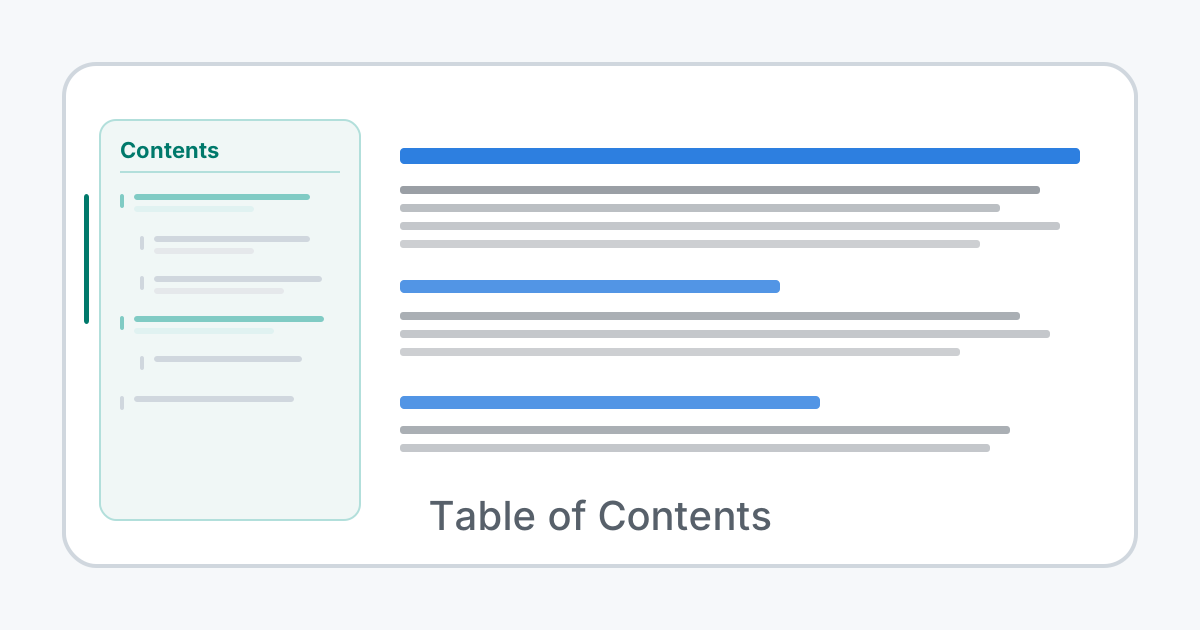 Sidebar TOC with hierarchical headings and scroll-spy active highlighting.
Lists
Reading checklist
- Keep paragraphs short enough to scan.
- Use headings to build a visible outline.
- Group related examples before showing source.
- Let code blocks breathe with enough vertical spacing.
Ordered workflow
- Draft the article.
- Add supporting examples.
- Preview light and dark mode.
- Publish only after checking anchors, feeds, and mobile layout.
Task list
- Completed task: Typography renders consistently Typography renders consistently
- Completed task: Code blocks show titles and language labels Code blocks show titles and language labels
- Incomplete task: Final screenshot has enough visual variety Final screenshot has enough visual variety
Definition list
- Static site
- Built from HTML, CSS, and assets only, so reading does not require a client-side app runtime.
- RSS
- A feed format that readers can subscribe to for updates.
Tables
| Feature | Example | Status |
|---|---|---|
| Typography | headings, emphasis, inline code | Polished |
| Components | admonitions, task lists, captions | Ready |
| Navigation | heading anchors and side TOC | Ready |
| Feeds | RSS and Atom output | Ready |
Admonitions
A note is useful for background context that helps readers understand the article.
A warning should be short, specific, and visually distinct without feeling alarming.
A danger block is reserved for destructive actions, security risks, or data loss.
Code
type ThemeMode = 'light' | 'dark';

export function describeTheme(mode: ThemeMode) {
  const accent = mode === 'dark' ? '#80cbc4' : '#00796b';

  return {
    mode,
    accent,
    readingWidth: '68ch',
  };
}
Removed line: - .post-content h3 { color: var(--color-main-text); }
Added line: + .post-content h3 { color: var(--color-primary); }Math
Inline math stays in the sentence: .
Display math has its own rhythm:
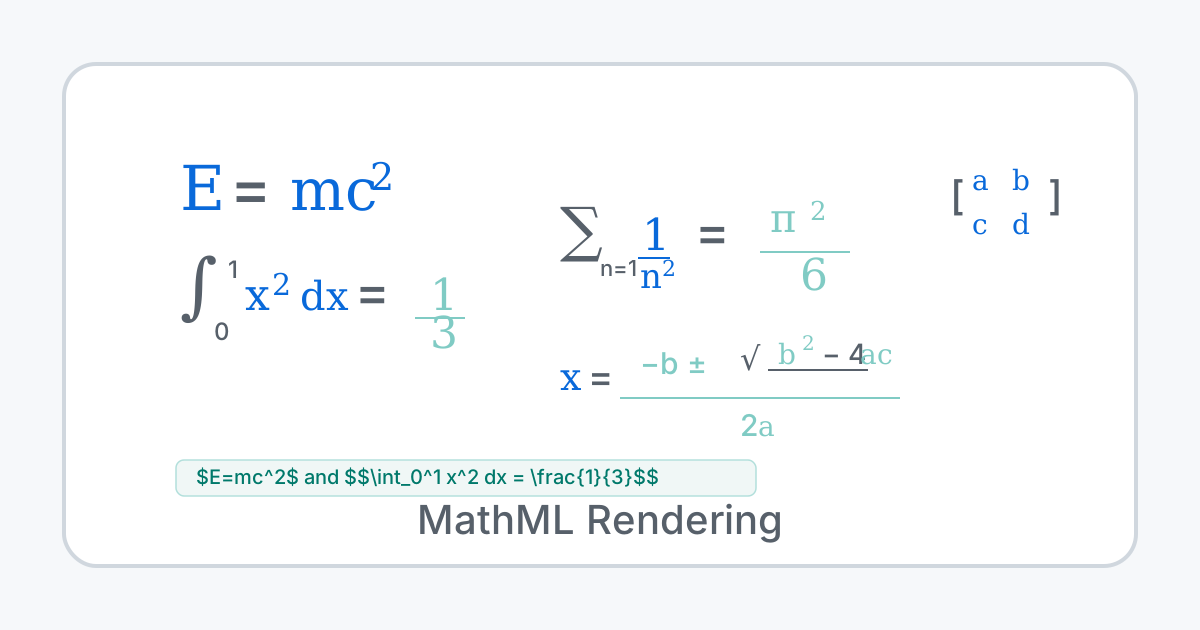 Math equations rendered server-side to MathML — no client-side JavaScript needed.
Block quotes
Quotes can be simple, but they should still respect the article rhythm.
Nested quotes remain readable when spacing and borders are restrained.
Markdown layout sample
Footnotes
Footnotes are useful for citations, side notes, and links that should not interrupt the main paragraph.1
Mixed scripts
This paragraph mixes 中文, English, digits 123, inline code inline_code(), and a long URL https://example.com/path/to/resource so line height, wrapping, punctuation, and mixed-script spacing can be reviewed together.
The page intentionally mixes compact examples with a few longer blocks so screenshots can show the theme's rhythm rather than only isolated syntax samples.
Footnotes
-
Footnote body text for asides, sources, or further reading. ↩